ERIC VFX Studio · Free tool
Particle Texture Generator
Make glow, star flare, sparkle, spark, shockwave, smoke, fire, and debris textures for your particle effects. Preview them as live particles and export a PNG for Unity.
Texture
Export
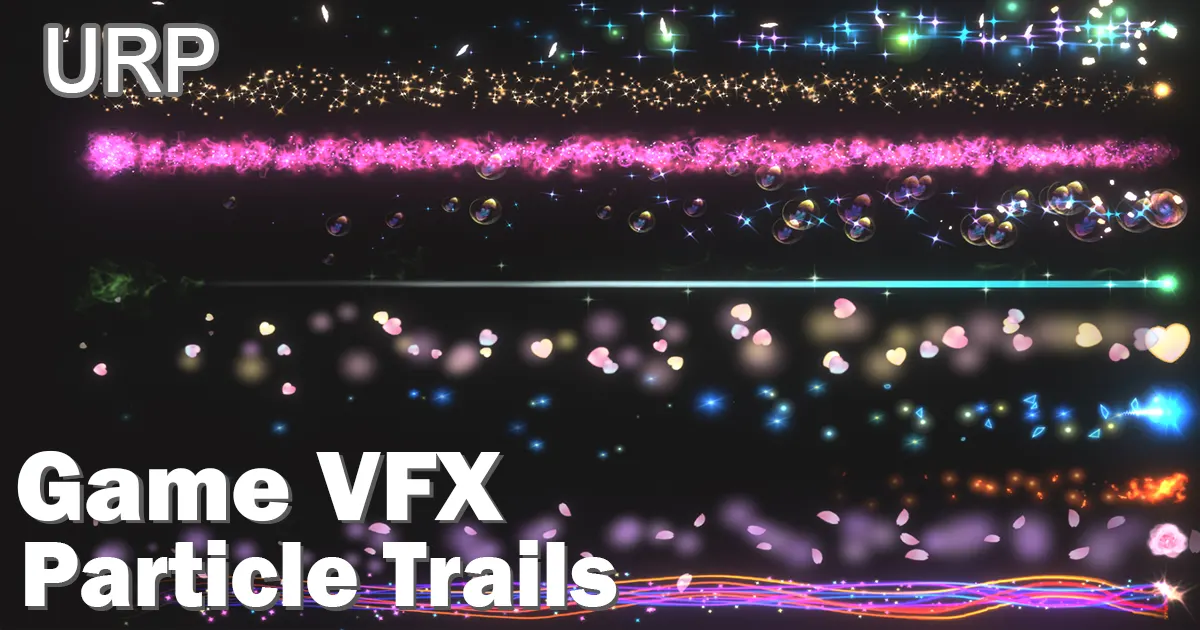 Game VFX - Particle Trails Collection(URP)Ready-made particle trail effects for URP.US$9.99
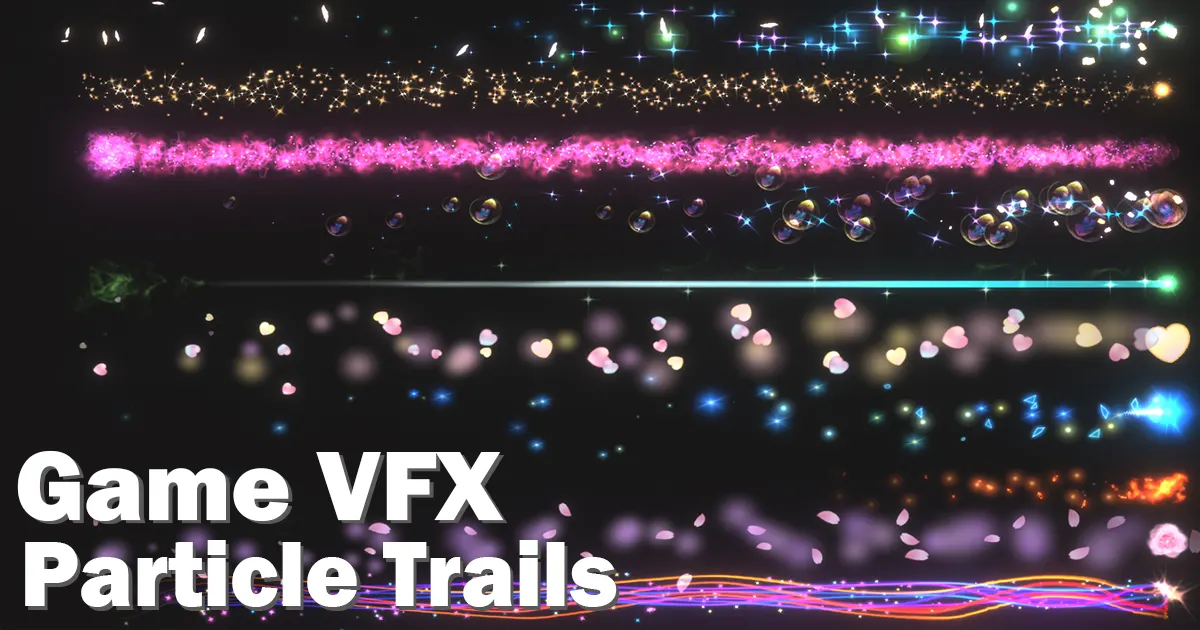 Game VFX - Particle Trails Collection(Built-in)The same particle trails for the Built-in Render Pipeline.US$7.99
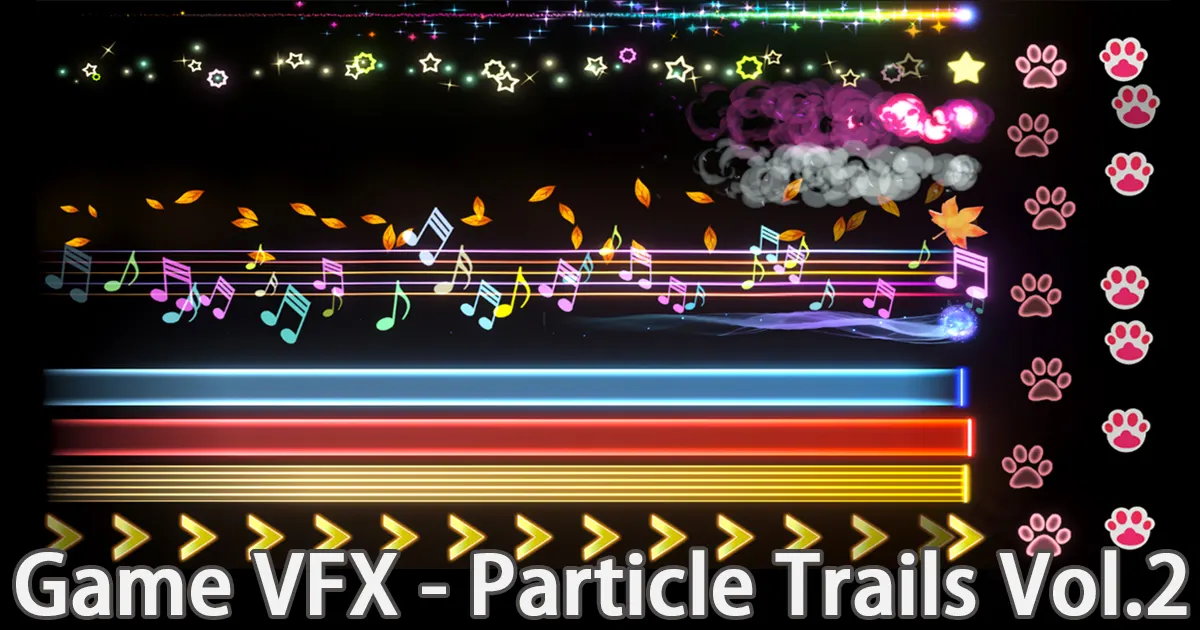 Game VFX - Particle Trails Collection Vol.2More particle trail effects in Vol.2.US$7.99
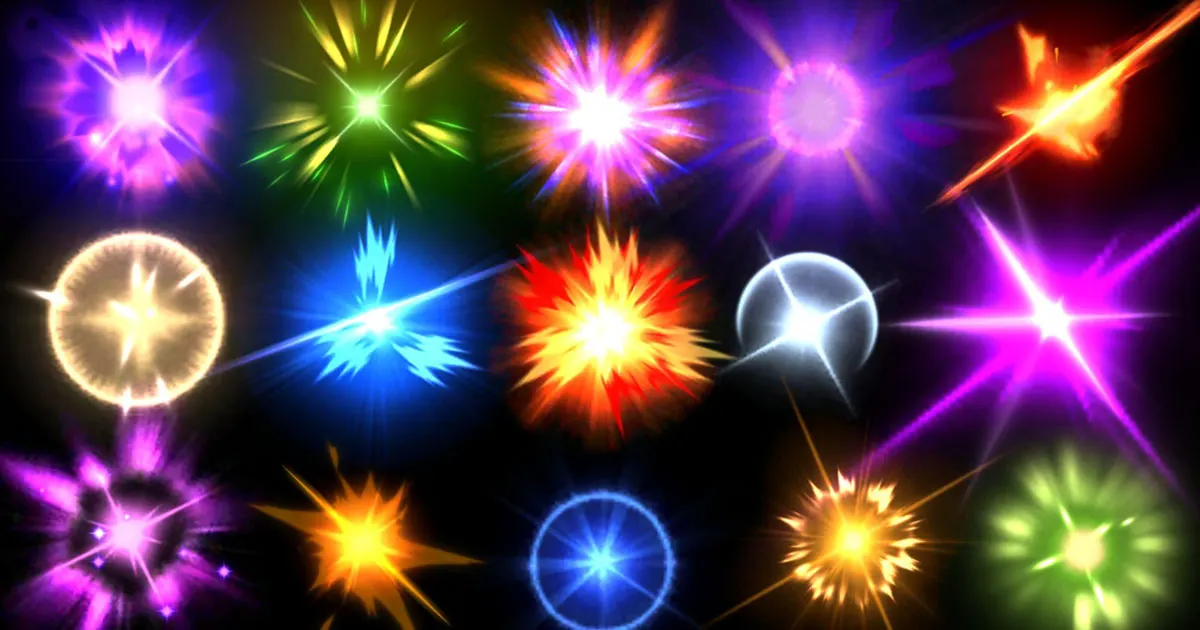 Game VFX - Hit Collection(URP)Ready-made hit and impact effects for URP.US$7.00
Textures are white so you can tint them with Start Color in Unity.
Preview
Free Particle Texture Generator for Unity VFX
This free particle texture generator makes the textures that most particle effects are built from: soft glows, star flares, sparkles, spark streaks, shockwave rings, smoke puffs, fire wisps, and debris shards. Adjust the shape, click Randomize for new variations, and download a white PNG with a transparent or black background. Everything runs in your browser.
Which particle texture to use
- Soft Glow: the most common particle texture, for glows, magic dust, and light orbs.
- Star Flare: flashes, hits, pickups, and magic twinkles.
- Sparkle: four-point glints for buffs, shiny items, and UI effects.
- Spark Streak: sparks and speed lines. Use it with the Stretched Billboard render mode.
- Ring / Shockwave: shockwaves, ripples, and ground impacts.
- Smoke Puff: smoke, mist, and dust with an irregular edge.
- Fire Wisp: flames and magic fire.
- Debris / Shard: rocks, glass, and ice fragments.
How to use a particle texture in Unity
- Import the PNG. For a transparent texture, keep Alpha Is Transparency on.
- Create a material with a particle shader, such as Universal Render Pipeline/Particles/Unlit in URP. Use Alpha blending for the transparent version, or Additive for the black version.
- Assign the material in the Particle System Renderer module, and tint the particles with Start Color or Color over Lifetime.
- For a 2×2 variation sheet, enable Texture Sheet Animation, set Tiles to 2 × 2, set Frame over Time to a constant 0, and set Start Frame to Random Between Two Constants (0 to 3).
FAQ
Is the particle texture generator free?
Yes. It is free to use, with no account and no watermark. You can use the generated textures in commercial games and projects.
Should I export with a transparent or a black background?
Use Transparent for Alpha Blended particle materials, and Black for Additive materials. Additive blending ignores black, so the black background disappears and only the glow is added.
Why are the textures white?
A white texture can be tinted with Start Color or Color over Lifetime in the Particle System, so one texture works for fire, ice, magic, and any other color.
What is the 2×2 variation sheet?
It packs four different versions of the texture into one PNG. Set Texture Sheet Animation to Grid with 2 × 2 tiles and Start Frame to a random value, and each particle picks a different variation, so smoke and debris look less repetitive.
Which size should I use?
Particles are usually small on screen, so 128 or 256 px is enough for most sparks and glows. Use 512 or 1024 px for large smoke puffs, shockwave rings, or close-up effects.
Does it work outside Unity?
Yes. The output is a standard PNG, so it works in Unreal Engine, Godot, and any other engine that uses particle textures.
All free tools →·Free Sprite Sheet Generator →·Free Noise Texture Generator →·Unity Particle System effects →